







How to Choose the Best Cafe POS System in 2026?
Evaluating Integrations, Security, and Ease of Use
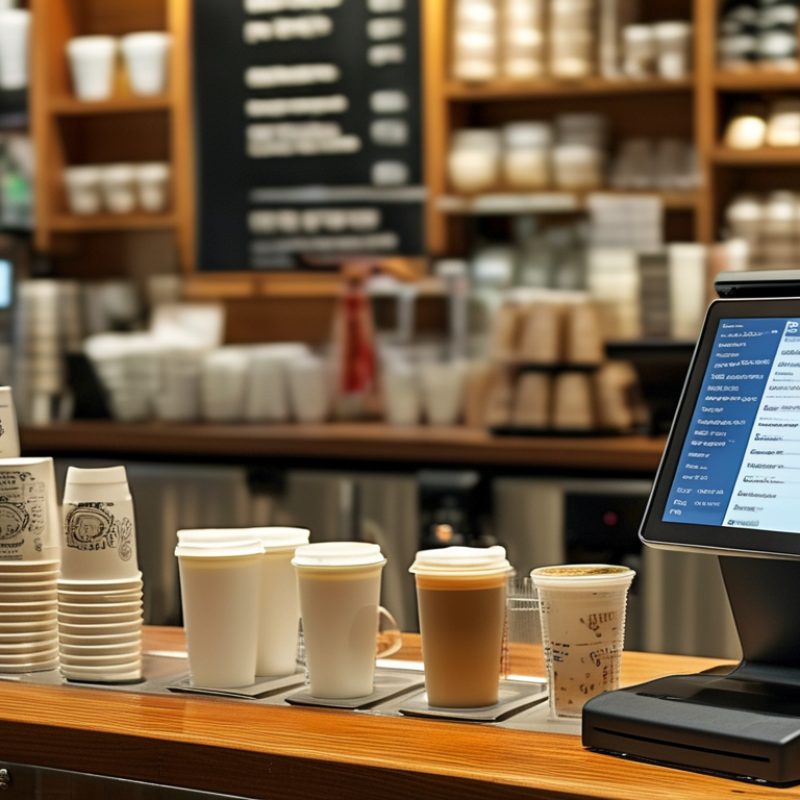
A busy cafe exposes a POS system’s weaknesses quickly. During a morning rush, staff need clear buttons, fast checkout, and minimal screen changes. Test the system with real orders, including custom milk choices, split payments, refunds, and discounts. A short training session can reveal more than a polished sales demonstration. If a new employee cannot complete an order confidently, the system may be too complex.
Integrations should support daily operations, not create another maintenance task. Check connections with payment terminals, accounting software, inventory tools, online ordering, and loyalty programs. Ask whether data syncs instantly or requires manual exports. Reliable APIs and clear error messages matter when an order fails. I would also test a temporary internet outage. Offline processing can protect sales, but it may create duplicate transactions later.
Security deserves practical testing. Look for encryption, multi-factor authentication, role-based permissions, automatic updates, and detailed activity logs. Managers should see reports, while temporary staff should access only essential functions. Confirm how customer data is stored, backed up, and deleted. Ask about independent security assessments and incident response procedures. No system is perfect. A feature-rich platform may still frustrate staff, while a simpler one may lack useful controls. Leave room for doubt, and run a limited trial before committing.